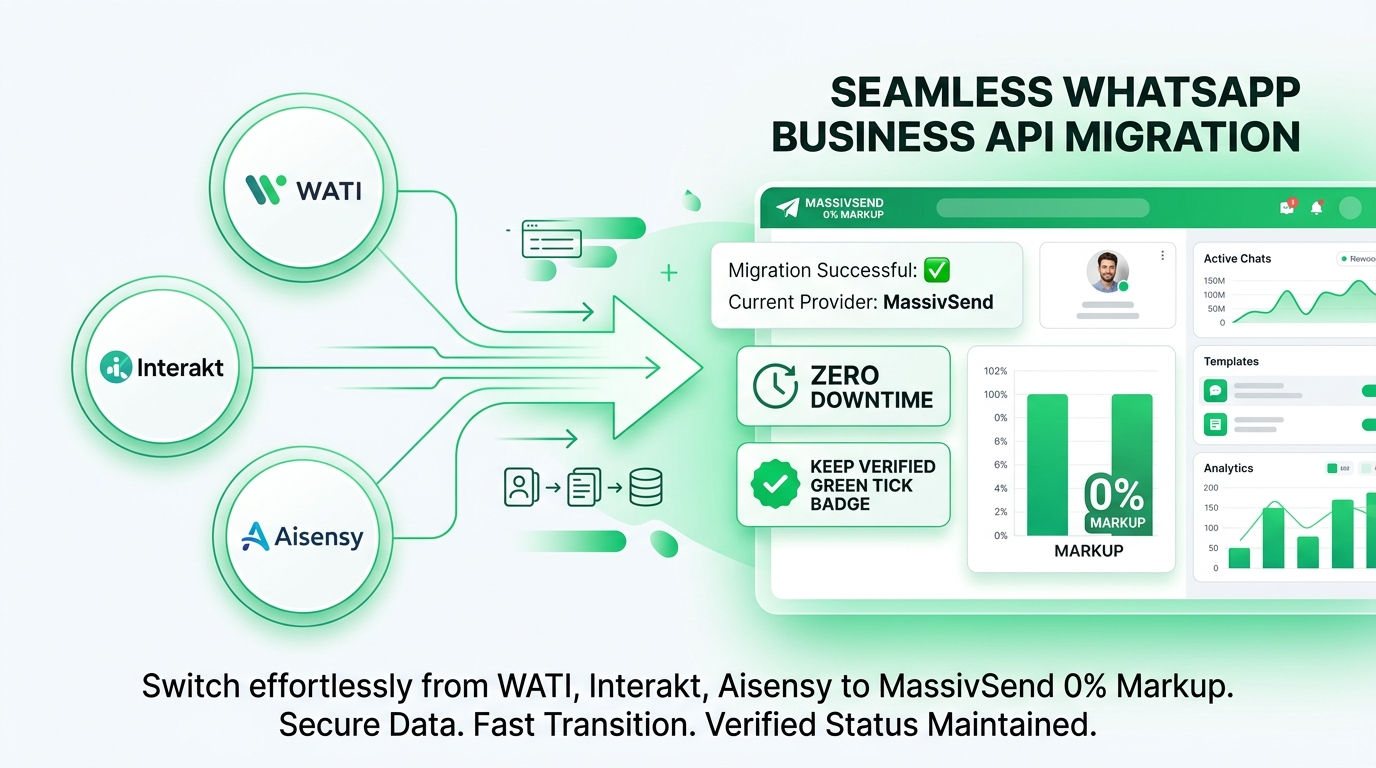
Are you paying inflated monthly bills for your WhatsApp Business API campaigns? Legacy Business Solution Providers (BSPs) like WATI, Interakt, and Aisensy add a hidden 20% to 50% commission markup on top of Meta's base message pricing. By migrating your WhatsApp API number to MassivSend, you eliminate all middleman fees with our 0% Meta Markup Guarantee while keeping your Green Tick badge, phone number quality rating, and pre-approved templates intact.
Key Migration Guarantee
Your WhatsApp phone number belongs entirely to your company's official Meta Business Manager. Switching your software host to MassivSend takes less than 5 minutes, involves zero downtime, and requires no technical coding.
Why Indian Businesses Are Switching to MassivSend
As WhatsApp marketing scales from thousands to millions of customer touches, per-message markups quickly consume thousands of dollars in profit margins. Here is a direct comparison between legacy BSP platforms and MassivSend:
| Feature / Metric | Legacy BSPs (WATI / Interakt / Aisensy) | MassivSend Cloud API |
|---|---|---|
| Per-Message Markup | ₹0.15 – ₹0.30 per message fee | ₹0.00 (0% Meta Markup) |
| Monthly Cost (50,000 Msgs) | ₹45,000+ total spent | ₹33,000 (Save ₹12,000/mo) |
| Mobile App Access | Web-only or slow laggy mobile UI | Native High-Speed Android & iOS Apps |
| Push Notifications | Unreliable / Delayed alerts | Instant Lockscreen Push Alerts |
| Green Tick Badge | Maintained | Maintained + 1-Click Application Tool |
| Direct Meta Billing | No (Pay middleman wallet) | Yes (Direct Credit Card to Meta) |
Step-by-Step Blueprint to Migrate Your Number
Migrating your active WhatsApp Business phone number is a standardized Meta OAuth process. Follow these 4 simple steps:
Disable Two-Factor Authentication (2FA) on Current Platform
Log into your current platform (WATI, Interakt, or Aisensy) settings. Locate your phone number configuration and temporarily turn off 2FA or 6-digit PIN protection so Meta can release the number binding.
Initiate MassivSend Meta OAuth Connect
Navigate to massivsend.com/app ➔ Settings ➔ Meta WABA Setup. Click "Connect with Facebook". Log into the Facebook account that owns your Meta Business Manager.
Verify 6-Digit Transfer OTP via SMS or Voice Call
Select your existing WhatsApp Business Account (WABA) and existing phone number. Meta will send a 6-digit verification code via SMS or voice call to your phone. Enter the code inside MassivSend to finalize the Cloud API handshake.
Start Broadcasting with 0% Markup
MassivSend automatically re-enables 2FA security PIN. All existing Meta-approved message templates sync instantly. You can now launch bulk broadcasts and assign customer support chats directly!
Frequently Asked Questions (FAQ)
1. Will my existing message templates be deleted?
No. Templates are attached to your Meta WABA ID. When you connect your WABA ID to MassivSend, all approved utility, marketing, and authentication templates appear automatically in your dashboard.
2. Can I keep using the same phone number?
Yes! You do not need to buy a new number. Your existing phone number transfers seamlessly without changing what your customers see in WhatsApp.
3. What if I need help during the migration?
Our dedicated onboarding specialists provide 1-on-1 live WhatsApp guidance to ensure your number transfers safely within minutes.
Switch to MassivSend Today & Save Thousands
Start your 2-Day Free Trial. No credit card required. Experience 0% markup WhatsApp marketing with zero risk.
Start Free Migration Trial