Tired of Creating WhatsApp Templates One-by-One? How MassivSend's 1-Tap Bulk Template Creator Saves You Hours
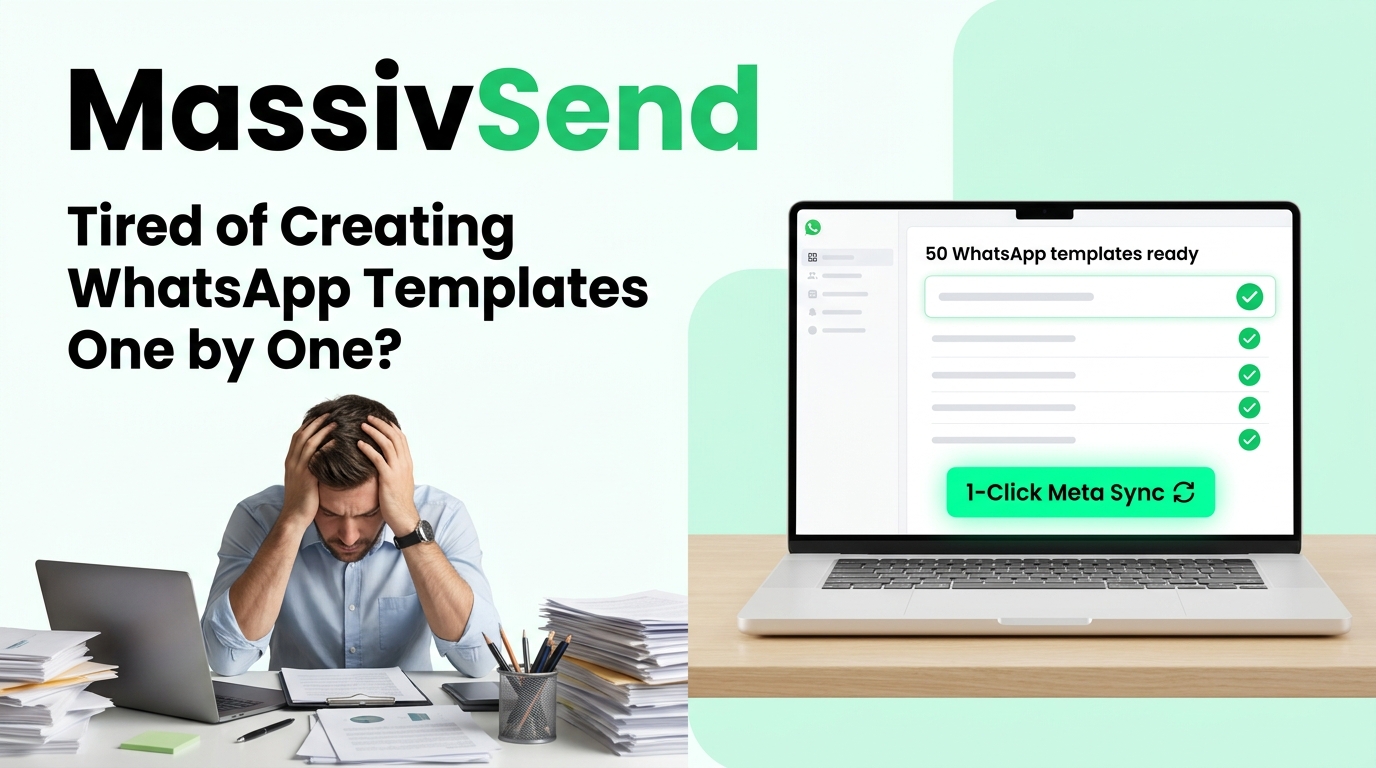
If you run WhatsApp marketing campaigns, send transactional notifications, or manage customer journeys, you already know the frustration of Meta Business Suite:
{{1}} and {{2}}, configuring buttons, and submitting... only to repeat that exact routine 30, 50, or 100 times for every notification in your funnel.
One small typo, uppercase letter in the template name, or invalid variable bracket, and Meta rejects your submission. You end up wasting hours just copy-pasting text between spreadsheets and web forms.
What if you could take a simple Word document, PDF, or spreadsheet with 50 templates and launch them all into Meta WhatsApp Business API in 1 single tap?
That is why we built MassivSend’s Bulk WhatsApp Template Creator.
⏱️ The Problem: Why Manual Template Creation Costs You Time
High-growth businesses need dozens of WhatsApp message templates across the entire customer lifecycle:
- Order & Delivery Updates: Order confirmation, payment link, dispatch notice, and delivery feedback.
- Appointments & Reminders: Booking confirmation, 24-hour reminder, Google Maps location pin, and review request.
- Marketing & Sales Offers: Flash sale discounts, VIP early access, festival promotions, and cart recovery nudges.
- Account Alerts & OTPs: Login verification codes, password resets, and subscription renewals.
Submitting these 40+ templates manually inside Meta Business Manager takes 4 to 6 hours of repetitive typing. If you run an agency managing WhatsApp for multiple brands or clients, that means whole days lost every month.
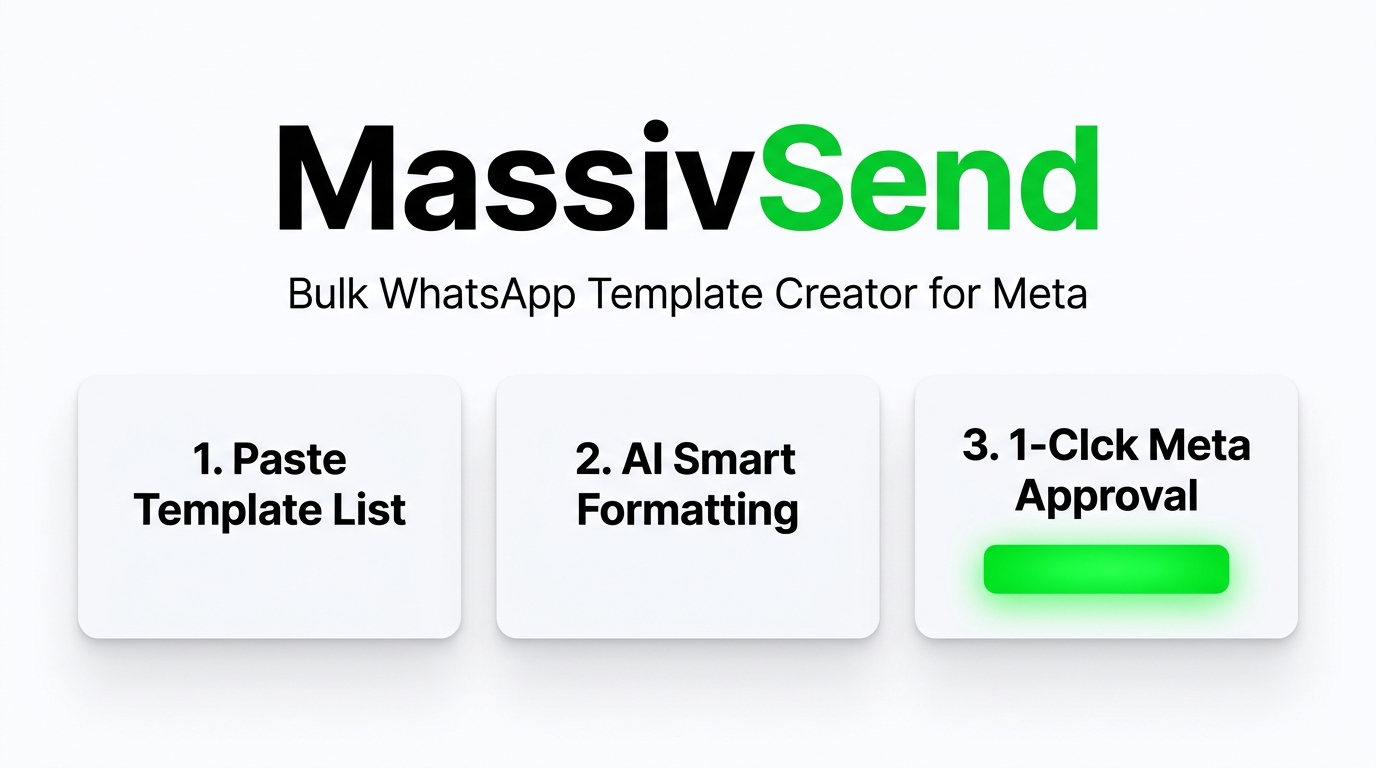
⚡ The Solution: MassivSend's 1-Tap Bulk WhatsApp Template Creator
With MassivSend, you never have to create templates one by one again. Whether your templates are drafted in a PDF, Word doc, Excel sheet, or plain text notes, MassivSend converts your entire list into ready-to-use Meta WhatsApp templates in seconds.
Paste Your Template List
Copy your list of template ideas from any document, PDF, or spreadsheet. Plain English text works directly.
AI Smart Formatting
Tap "Copy AI Master Prompt" and paste into ChatGPT, Gemini, or Claude. The AI automatically formats your text into valid Meta WhatsApp API commands with variables and buttons.
1-Click Meta Approval
Paste into MassivSend, inspect visual preview cards, and hit "Execute Bulk Creation". All templates submit to Meta in 1 tap!
💡 Meta Business Suite vs. MassivSend Bulk Template Creator
| Feature | Meta Business Suite (Manual) | MassivSend Bulk Importer |
|---|---|---|
| Creation Speed | 5 to 8 minutes per template | 50+ templates in under 60 seconds |
| Import from Word/PDF/Excel | ❌ Not supported | ✅ Supported with AI Smart Prompt |
| Pre-Submission Validation | ❌ Fails after waiting | ✅ Live preview & error check |
| Quick Reply & URL Buttons | Form setup for every button | ✅ Automatically configured in bulk |
| Ready for Broadcasts & Chatbots | Requires manual sync | ✅ Instantly active in MassivSend |
5-Line Social Media Reel Script (Ready to Record):
Line 1: Still creating WhatsApp templates one-by-one inside Meta Business Suite? Stop wasting your time!
Line 2: Setting up variables, buttons, and categories for 50 templates can take an entire workday.
Line 3: With MassivSend, just paste your list of templates from Word, PDF, or Excel.
Line 4: Our smart AI formats everything in seconds so you can submit all 50 templates to Meta in 1 tap!
Line 5: Save hours every week—try MassivSend Bulk Template Creator today at MassivSend.com!